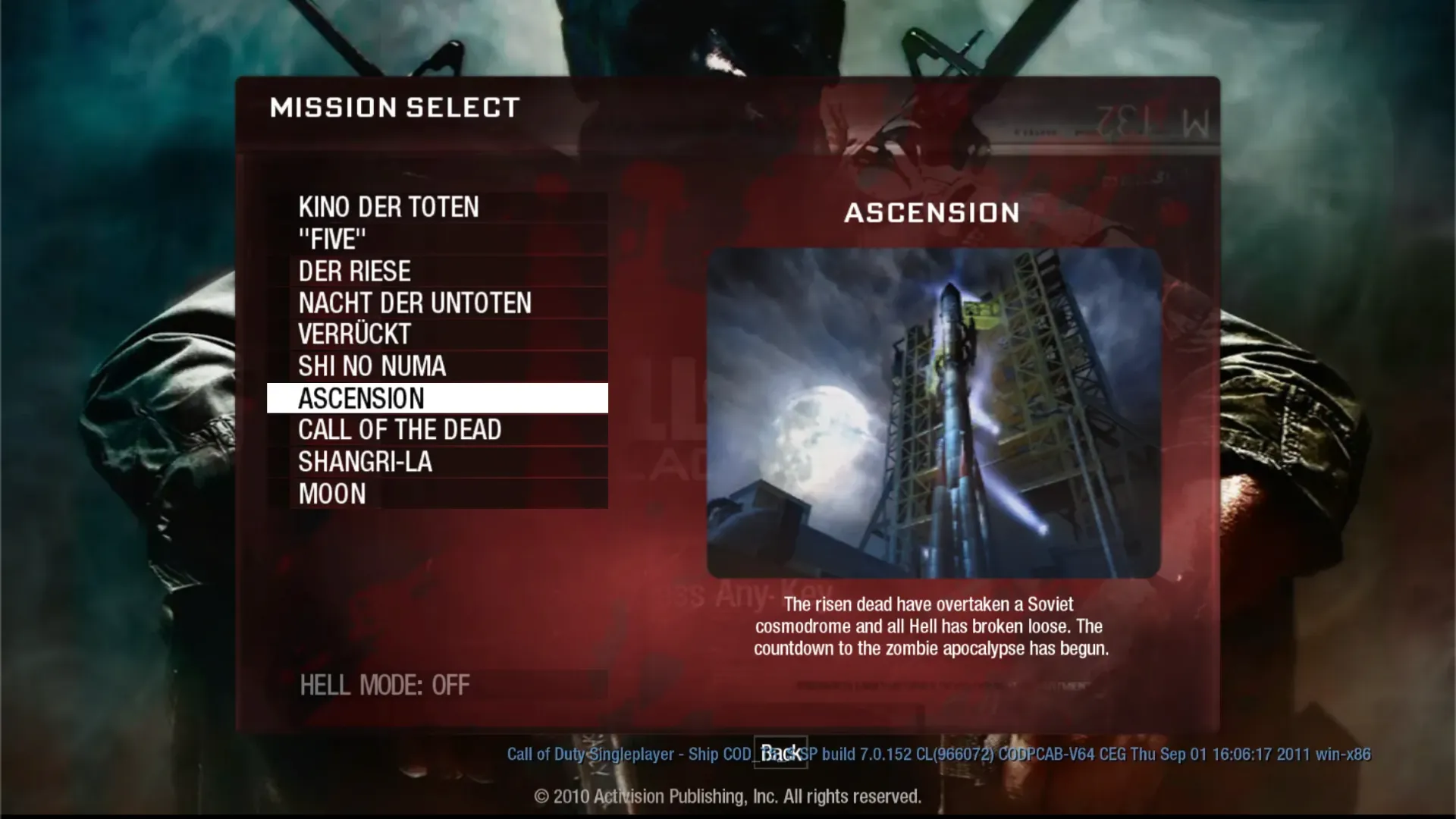
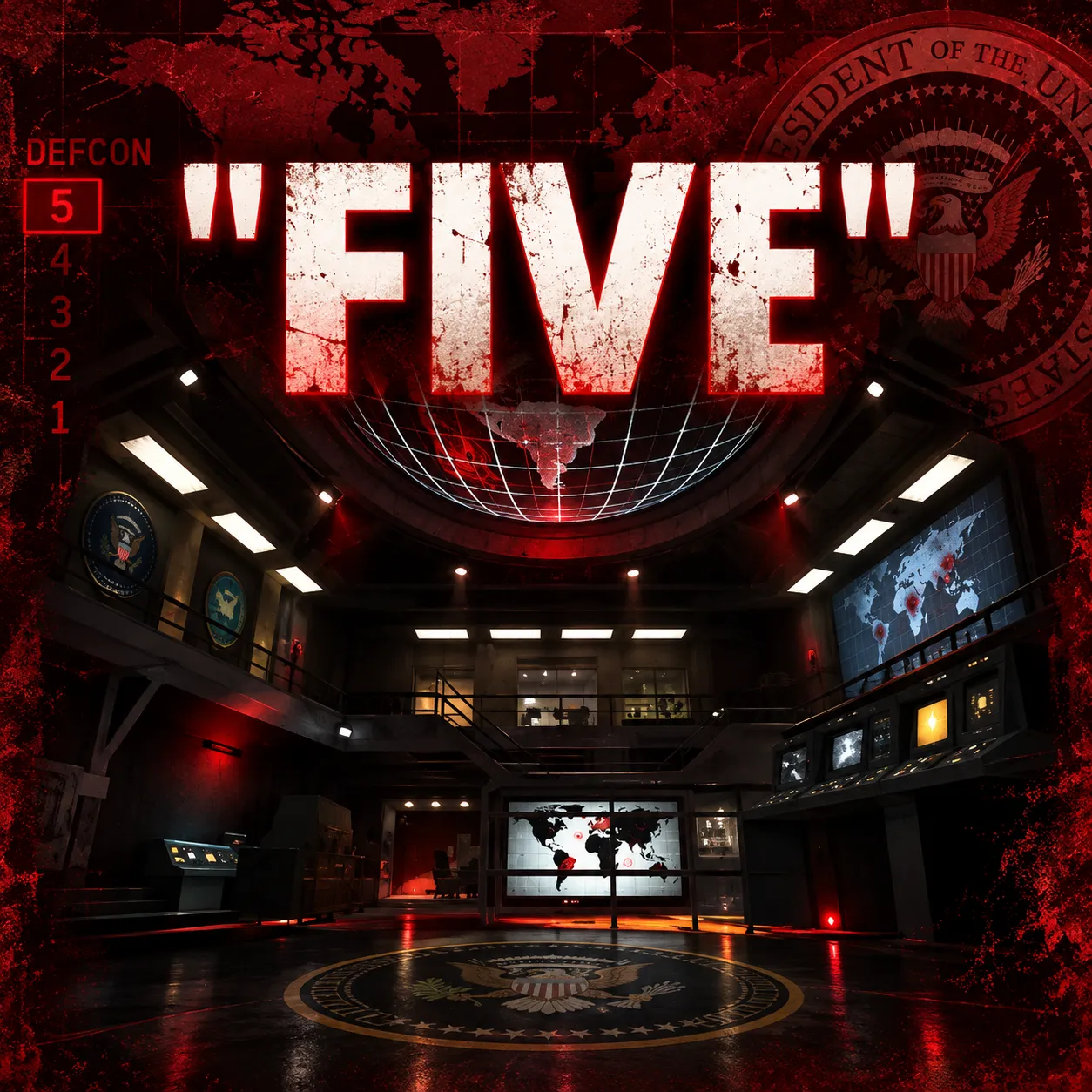
What Is BO1 Zombies Browser Game?
BO1 Zombies Browser Game is an unofficial, browser-playable version of the Zombies mode from Call of Duty: Black Ops (2010). It brings the familiar first-person zombie survival experience to a desktop web browser without requiring players to install the original game.
Instead of battling other players in competitive multiplayer matches, you fight increasingly dangerous waves of computer-controlled zombies. Every round challenges you to manage ammunition, earn points, purchase equipment, and stay alive.
The browser project includes recognizable Zombies locations such as Kino der Toten and Moon, allowing longtime Black Ops fans to revisit familiar environments without launching the original PC or console game.
The game is free to access at vel.gg/bo1z. It is a community project, not an official Activision or Treyarch browser release.
How Does BO1 Zombies Work?
The central objective is straightforward: survive as many zombie rounds as possible.
You begin with basic equipment in a relatively small starting area. Zombies approach through windows, entrances, and other spawn locations. Eliminating them earns points that can be spent on weapons, ammunition, opening doors, and improving your chances of survival.
As the round counter increases, the undead become more dangerous and harder to manage. Positioning, movement, and smart spending gradually become just as important as accurate shooting.
The Core Gameplay Loop
- Survive each round: Eliminate incoming zombies while avoiding being trapped or overwhelmed.
- Earn points: Damage and kill enemies to build up currency for equipment and map access.
- Open new areas: Spend points to unlock doors and discover additional routes through the map.
- Purchase weapons: Buy available wall weapons or try the Mystery Box for a randomized weapon.
- Activate upgrades: Depending on the map, restore power, purchase perks, and use Pack-a-Punch to strengthen your weapons.
- Reach higher rounds: Continue surviving increasingly difficult waves and challenge your previous performance.
There is no conventional final victory in standard endless Zombies survival. The challenge is to last longer and push the round counter higher.
How to Play BO1 Zombies in Your Browser
- Open the game: Visit https://vel.gg/bo1z using a modern desktop browser. A keyboard and mouse are recommended, and hardware acceleration should be enabled for better performance.
- Choose a Zombies map: Select an available location from the map menu. Kino der Toten is a good starting choice because its theater layout provides recognizable routes and room to maneuver.
- Start your solo game: Allow the browser to load the required game files. Click the game window when necessary to capture your mouse, then move with WASD and aim and fire using your mouse.
- Fight zombies and earn points: Shoot approaching enemies, reload during safe moments, and interact with doors or weapon purchases using the controls indicated by the game. Avoid remaining stationary when multiple zombies approach.
- Upgrade and survive: Open useful routes, obtain stronger weapons, activate available perks, and keep moving as enemy waves become harder. Try to reach a higher round with each attempt.
Example: Your First Few Rounds
Imagine starting a solo game on Kino der Toten.
During the opening rounds, you defend the starting room with your basic weapon and melee attacks. The points you earn can unlock a door leading deeper into the theater.
Once you have more room to move, your focus changes from defending individual windows to controlling the approaching crowd. Instead of standing in a corner, you guide zombies around an open route, turn when safe, and fire into the pursuing group.
Later rounds demand better weapons, sufficient ammunition, and access to important upgrades. One poor turn into a dead end can end an otherwise successful run.
This combination of shooting, resource management, and movement is what makes the classic Black Ops Zombies formula so replayable.
BO1 Zombies Controls
The browser version is primarily intended for desktop keyboard-and-mouse play. Familiar PC shooter controls include:
- WASD: Move your character.
- Mouse: Look around and aim.
- Left mouse button: Fire your weapon.
- Right mouse button: Aim down sights.
- R: Reload.
- Shift: Sprint.
- Space: Jump.
- Interact key: Open doors, purchase weapons, or activate equipment when prompted.
Controls may depend on the browser build and its settings. Check the game's prompts or options menu for the current bindings.
BO1 Zombies Browser Game Tips and Strategies
1. Save Points During Early Rounds
Avoid spending everything immediately. Early melee kills and carefully placed shots can help build points while conserving ammunition. Save enough currency to open useful routes and obtain a dependable weapon.
2. Keep an Escape Route Available
Getting surrounded is one of the biggest dangers in Zombies. Before committing to a location, identify where you can retreat if enemies approach from several directions.
3. Learn to Train Zombies
Training means leading a pursuing group of zombies along a controlled route rather than fighting enemies from every direction.
For example, on Kino der Toten, the larger stage area can provide space to gather a horde, create distance, and shoot while keeping an escape path open.
4. Prioritize Useful Perks
Where available, survivability perks such as Jugger-Nog can make an enormous difference. Plan how to reach the relevant perk machines, rather than spending all your points on random weapon purchases.
5. Upgrade Weapons Before the Difficulty Spikes
As rounds advance, basic weapons become less effective. Look for access to Pack-a-Punch and reliable ammunition sources before zombies become too difficult to eliminate efficiently.
6. Maintain Smooth Browser Performance
Close demanding background tabs and enable browser graphics acceleration if the game stutters. Since maps and assets must load into the browser, the first launch may take longer than a typical lightweight web game.
Is BO1 Zombies Browser Game Multiplayer?
The publicly available browser version is currently focused on solo Zombies survival. It does not offer the original game's cooperative matchmaking or split-screen experience.
Players looking for competitive Black Ops multiplayer, campaign missions, or online co-op should not confuse this community browser port with the complete 2010 release.
Can You Play BO1 Zombies on Mobile?
The current hosted version is designed for desktop computers with keyboard-and-mouse input. Mobile phones and tablets are not officially supported by its browser compatibility checker.
Players seeking a reliable experience should use an up-to-date desktop browser with adequate graphics performance.
Is BO1 Zombies Browser Game Worth Playing?
BO1 Zombies is an appealing option for players who enjoy classic round-based FPS survival, recognizable Call of Duty environments, and progressively harder challenges.
Its biggest attraction is accessibility: players can revisit the Zombies formula from a browser tab without installing the original game. The familiar balance of shooting, upgrades, point management, and horde movement gives each attempt a clear goal.
However, the unofficial port has limitations. Multiplayer is unavailable, performance varies across devices, and the project may not reproduce every detail of the original release perfectly.
For fans of zombie shooters and players curious about classic PC games running in a browser, it is worth trying.
Visit BO1 Zombies Browser Game, select a map, and see how many rounds you can survive.
For project background and player feedback, see the developer's announcement on Reddit.