What Is Doki Doki Headpat Simulator?
Doki Doki Headpat Simulator is a free, fan-made browser game inspired by Doki Doki Literature Club (DDLC). Instead of writing poems, making dialogue choices, or progressing through a visual novel, players can simply interact with their favorite Literature Club characters by giving them virtual headpats.
Originally shared by developer JosephMoonGolf in the DDLC community in 2018, this small interactive experience focuses on one amusing activity: patting the Dokis on the head and watching how they react.
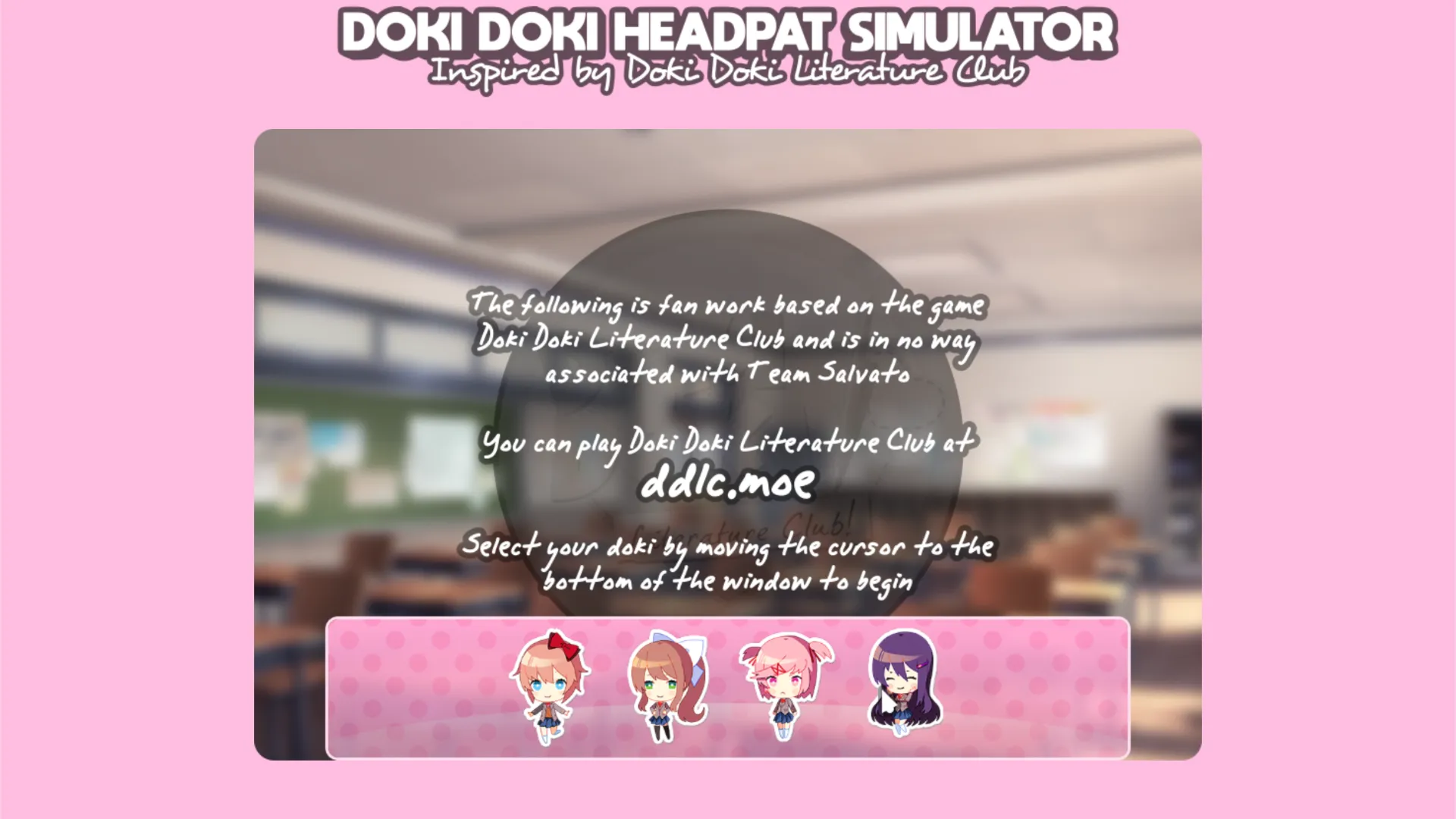
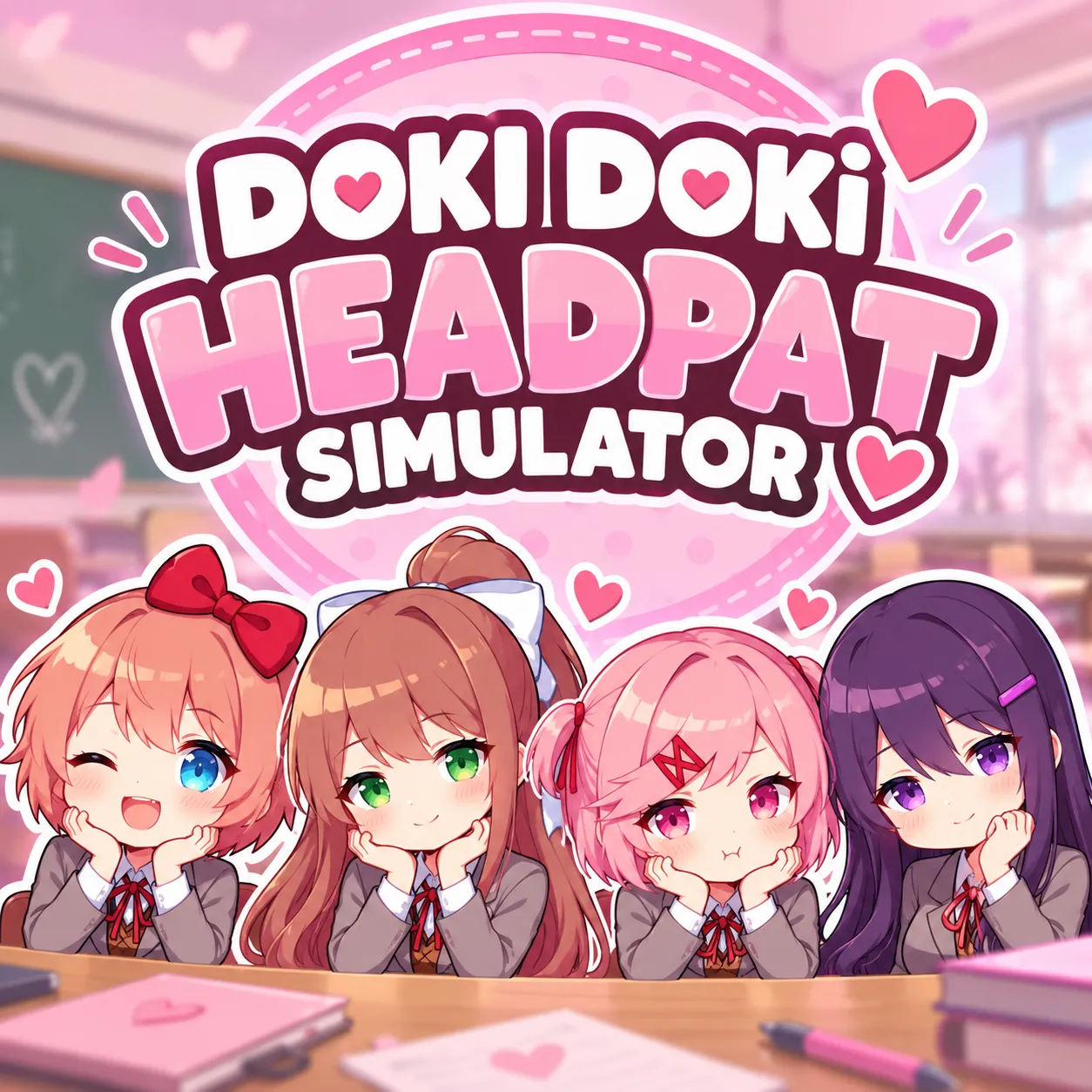
The game features all four familiar Literature Club members:
- Sayori: The cheerful childhood friend with her signature red bow.
- Natsuki: The pink-haired club member known for her energetic and feisty personality.
- Yuri: The shy, book-loving club member with long purple hair.
- Monika: The confident president of the Literature Club.
Unlike the original DDLC, Headpat Simulator is not a story-driven visual novel. It is a lightweight character interaction toy designed for short, playful sessions.
The Core Gameplay: Give Your Favorite Doki a Headpat
The central mechanic is simple: select a character and use your mouse to interact with her.
The game's playful twist is its responsive character movement. As the cursor moves across a Doki, the character's head and expression can react to the interaction. The resulting movement can be surprisingly exaggerated, especially when the cursor moves quickly.
For example, gently moving the cursor around Sayori's head produces a different-feeling interaction from rapidly sweeping the pointer across the screen. Experimenting with the strength and direction of mouse movement is part of the entertainment.
There are no enemies to defeat, levels to complete, or competitive leaderboards. The objective is simply to enjoy the character interactions.
The game also allows players to switch between the four Dokis without completing missions or unlocking additional characters.
How to Play Doki Doki Headpat Simulator
Step 1: Open the game
Visit the original Headpat Simulator in a modern browser. Allow the game canvas to finish loading. No download or account registration is required.
Step 2: Find the character selection menu
Move your mouse cursor toward the bottom edge of the game window. This reveals the character selection area containing Sayori, Natsuki, Yuri, and Monika.
Step 3: Choose your favorite Doki
Move the pointer over the character you want to interact with. The game switches to the selected character, allowing you to begin your headpat session.
Step 4: Give her a headpat
Move the cursor around the character's head to trigger the interactive response. Try gentle movements first, then experiment with different cursor speeds to observe how the character reacts.
Step 5: Switch characters and repeat
Return the cursor to the bottom of the window to reveal the selection menu again. Choose another Doki and discover how the interaction looks with a different character.
Controls
| Action | Control |
|---|---|
| Reveal character picker | Move mouse to bottom edge |
| Select a Doki | Hover over a character option |
| Interact and headpat | Move cursor over the character |
| Change characters | Return to the bottom selection area |
Best experience: A desktop browser with a mouse or trackpad is recommended. Some players have reported using the game on mobile devices, but touchscreen compatibility can vary.
Tips for the Best Headpat Experience
1. Start With Gentle Mouse Movements
The character interaction is sensitive to cursor movement. Small, controlled motions make it easier to observe the headpat response without sending the character's head into exaggerated motion.
2. Experiment With Different Speeds
After learning the basic interaction, try moving the cursor at different speeds. The character's movement can become much more dramatic when the interaction is less gentle. This playful, physics-like response is one of the simulator's distinguishing features.
3. Try All Four Literature Club Members
The characters have different appearances and recognizable expressions. Switching between Sayori, Natsuki, Yuri, and Monika is the main way to vary the experience.
4. Look for the Hidden Selection Area
New players may assume the game has no character-switching option because the menu is not always visible. Moving the pointer to the bottom edge reveals the picker.
5. Use a Larger Game Window
If the embedded game appears small, try opening the original page directly or using a larger browser window. Extra screen space makes it easier to control the cursor and observe the character animations.
Is Doki Doki Headpat Simulator Free?
Yes. The simulator is available as a free browser experience. Players can open the game without purchasing DDLC, installing a separate application, or creating an account.
The original Doki Doki Literature Club is a separate game created by Team Salvato. Headpat Simulator is an unofficial fan project and is not affiliated with or endorsed by Team Salvato.
Can You Play Doki Doki Headpat Simulator on Mobile?
Mobile compatibility is less predictable than desktop play. Community reports indicate that the game has worked on some phones, while other players have experienced problems.
Because its controls were designed around pointer movement, a computer with a mouse or trackpad offers the most reliable experience. Touchscreen users may need to experiment with their device or browser.
Does the Game Have an Ending or Winning Condition?
Doki Doki Headpat Simulator is primarily an interactive character toy rather than a conventional challenge-based game.
There is no traditional victory screen, competitive scoring objective, or campaign to complete. Players can continue interacting with their chosen Doki and switch characters whenever they like.
The appeal comes from the animation, character familiarity, and amusing responses to different mouse movements rather than progression or rewards.
Is Doki Doki Headpat Simulator Scary?
Despite its connection to Doki Doki Literature Club, the headpat simulator focuses on a lighthearted character interaction rather than reproducing the original visual novel's psychological horror storyline.
However, players should not assume the same tone applies to DDLC itself. The official visual novel contains disturbing themes and carries a content warning. This fan-made simulator is a separate experience.
Who Should Play Doki Doki Headpat Simulator?
This browser game is particularly suitable for:
- DDLC fans who want another playful way to interact with familiar characters.
- Anime fans who enjoy expressive characters and cute interactive experiences.
- Casual players looking for a short, pressure-free browser activity.
- Fans of interactive character toys who prefer experimentation over missions and high scores.
Players expecting a complete dating simulator, visual novel, or story expansion should look elsewhere. Headpat Simulator intentionally offers a much smaller experience.
Conclusion
Doki Doki Headpat Simulator transforms a simple fan-favorite interaction into an entertaining browser toy. Its charm comes from recognizable Literature Club characters, responsive head movement, and the freedom to switch between the four Dokis at any time.
There is little to learn and no pressure to win. For DDLC fans who want a brief, amusing character interaction, it is an easy game to try.
Ready to give your favorite Doki a headpat? Play Doki Doki Headpat Simulator for free in your browser.